Linux is not particularly known for having good and usable (GUI) applications. This is the #2 complain that you hear from people (#1 being the difficulty of installation which, unfortunately, still exists today) who do not use a Linux distro. I think this is largely invalid now. With the introduction of GTK 4, the development of GUI applications have been accelerated, and we see a lot of young and student developers building applications for Linux. In addition, with WINE and Proton, Linux is becoming a popular platform for gaming too. If you are interested in old games that have 8-bit components, WINE is basically the only option right now since they no longer work on Windows. Anyway, let’s talk about the applications I have been using quite frequently on Fedora. Unlike my previous post for Android, I shall talk about the applications in a little bit more detail since unlike Android, Linux is still a growing platform and most applications have a certain level of instability.
GNOME Extensions
Since I am using GNOME Shell 49, I thought I should list the GNOME extensions first since they the one of the most frequently used applications. The list is sorted alphabetically.
- Battery Power Indicator: Changes battery icon color based on active power profile. Very useful extension if you’re on a laptop.
- Bluetooth Battery Meter: Displays battery levels for the connected devices. Very useful extension if you use a lot of wireless devices, such as wireless mouse, keyboard, or headsets.
- Compiz alike Magic lamp effect: Magic lamp effect inspired by the Compiz ones from macOS, works good with Dash to Dock.
- Dash to Dock: Moves the dash out of the overview transforming it in a dock for an easier launching of applications and a faster switching between windows and desktops. Surprised that it’s not built-in in GNOME. For better UX, set “Click action” to “Minimize or show previews”. It may look like macOS, but it has more useful features than macOS’ dock.
- Dim Completed Calendar Events: Dims completed events in the top panel menu to easily distinguish between upcoming and past events. Again, surprised that GNOME doesn’t do this by default. It’s the most basic feature in most calendar applications.
- In Picture: To fix broken Picture-in-Picture in Wayland that is taking GNOME ages to fix.
- Kiwi is not Apple: Brings macOS-inspired features for GNOME. Actually, I dislike many features that macOS has. For example, I have disabled the following features among others: transparent move, panel transparency, macOS window buttons. But the rests are useful in the sense that I had to install a few more extensions that would allow me to achieve the same.
- Light style: Enables light mode in GNOME. I used to be a big fan of dark mode, but nowadays, I prefer light mode since it looks more natural.
- Peek Top Bar On Fullscreen: Shows the top panel on demand while displaying full screen content on (like watching a video in full screen mode). A very useful feature not just for watching videos but also when delivering a presentation.
- Rounded Window Corners Reborn: It’s 2026, and GNOME still doesn’t offer rounded corners for windows by default when even Windows is trying to do the same.
- Screencast extra feature: Again, it’s 2026, and GNOME is still struggling with recording audio with the built-in screen recorder. Alternative is to use OBS Studio, of course.
- Slob Dictionary Quick Lookup: Launches Slob Dictionary to display defition of the selected text. This is one of my own applications, and also the first ever GUI application I have built for Linux.
- Smart Pause & Resume: Automatically pauses previously playing media to prevent overlapping sound. Surprised that GNOME doesn’t provide this by default. Pretty much every other operating system offers similar features.
- Steal my focus window: Removes the “window is ready” message and focus the window instead. When a window is already running and you open something that triggers the window, instead of bringing the window to the top of the window stack, GNOME chooses to display a popup notification instead. Never understood the reason for this weird behavior.
- system-monitor-next: Displays system information in the status bar, such as memory, CPU, disk and battery usages, network rates. I’m only interested in the network monitor, but there is not a good extension for displaying network monitor only.
- WinTile: a hotkey driven window tiling system that imitates the standard Win-Arrow keys of Windows 10. GNOME’s default tiling behavior is too simple. WinTile is one of the basic ones. There are a couple of advanced ones too, such as Tiling Shell.
- WorkNavigator: A simple workspace navigator. I like it’s simplicity and design.
It might seem a lot, but many of the features should have already been in GNOME itself, or fix those long standing bugs.
Firefox, a Web Browser
I used to use Ungoogled Chromium (UGC) on Windows and macOS. But since Firefox comes default in Fedora, I decided to give it a try, and it looks very decent albeit not as good as Chromium-based browsers in terms of UX. I use a multi-profile setup like I used to on UGC. I know Firefox support compartmentalization in a single profile, but in my threat model, a multi-profile setup is better. Nothing to complain here. As usual, extensions such as uBlock Origin, Clear URLs, and Decentraleyes are a must for Firefox too. To match GNOME theme, I use a theming application called Add Water.
VSCodium, a Code Editor
As a developer, VSCodium (the open source version of VSCode) is a must. Good thing is that most Microsoft-signed proprietary extensions do not work here. I mostly use the open source extensions, such as clangd, Kylin Python, and Open Remote - SSH.
Terminal
I use the built-in terminal in GNOME Shell. It’s a pretty decent terminal emulator and works as expected.
Betterbird, an Email Client
Betterbird is a better version of Thunderbird that has a wider set of features, including an option to add it in the status bar, which is useful in GNOME since the email client doesn’t run in the background if it is closed. The UI still looks very old, but there is a way to fix this via this theme.
Calendar
I use the built-in calendar in GNOME Shell. The calendar mostly works well except for two issues: first, if you set an event with from and to dates, the to date appears exclusive, which is highly unusual. Second, it doesn’t allow arbitrary days of the week selection in Weekly mode which is a big problem. Fortunately, ALL the other calendar applications I have tried has both features, so I can just use them instead on my other devices. There are also a few other annoyance, but it mostly works. For synchronization, I use a NextCloud instance.
LibreOffice, a Document Processor
For document processor (as well as spreadsheet and presentation), I use LibreOffice. It comes built-in with Fedora 43. So, I didn’t have to do anything.
BitWarden, a Password Manager
For password manager, I use BitWarden. It looks more like a wrapper around the web UI instead of an actual desktop application though. It seems UI/UX is not particularly a strong suit for BitWarden team.
Recordbox, a Music Player
Recordbox is a music player written in Rust and GTK 4 framework and still under heavy development, and it is the only music player that balances the features and the look (trust me, I’ve tried over 20 music players). Unfortunately, it doesn’t offer a tag editor (only offers a lyrics editor). But it can play a lot of different music formats. In the past it had some weird bugs which prompted me to use Elisa instead (which doesn’t have a good UI but has a fully featured tag editor), but they seem to have been addressed, and it works pretty well now.
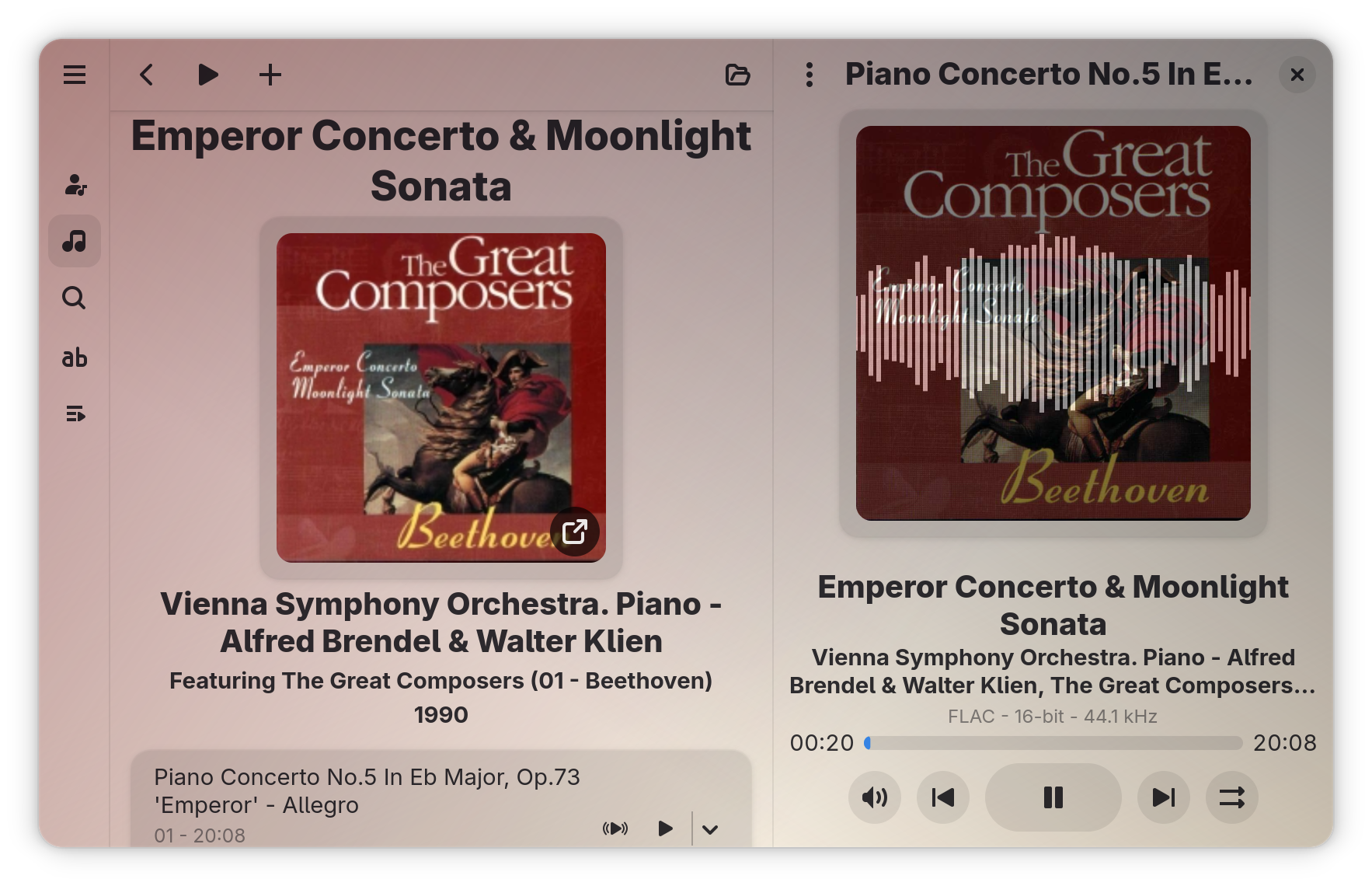 Playing Beethoven's Piano Concerto No. 5 in Recordbox
nheko, a Matrix-client
nheko is a Matrix client developed using Qt 6. It is one of the first fully-featured Matrix clients that doesn’t use Electron. So, it looks native to the platform and has less memory footprint. The user interface is similar to Telegram albeit a little low on the style part. It also supports running on the system tray and offers desktop notifications. If you want a GTK 4 client, Fractal is one of the emerging clients. However, as of writing this post, it doesn’t support running in the background and neither does it support running it in the system tray. So, there is no way to receive notifications without keeping it in the foreground. It is also very slow to scroll in room with a lot of messages, and most importantly, no option to filter messages. So, I wouldn’t recommend it.
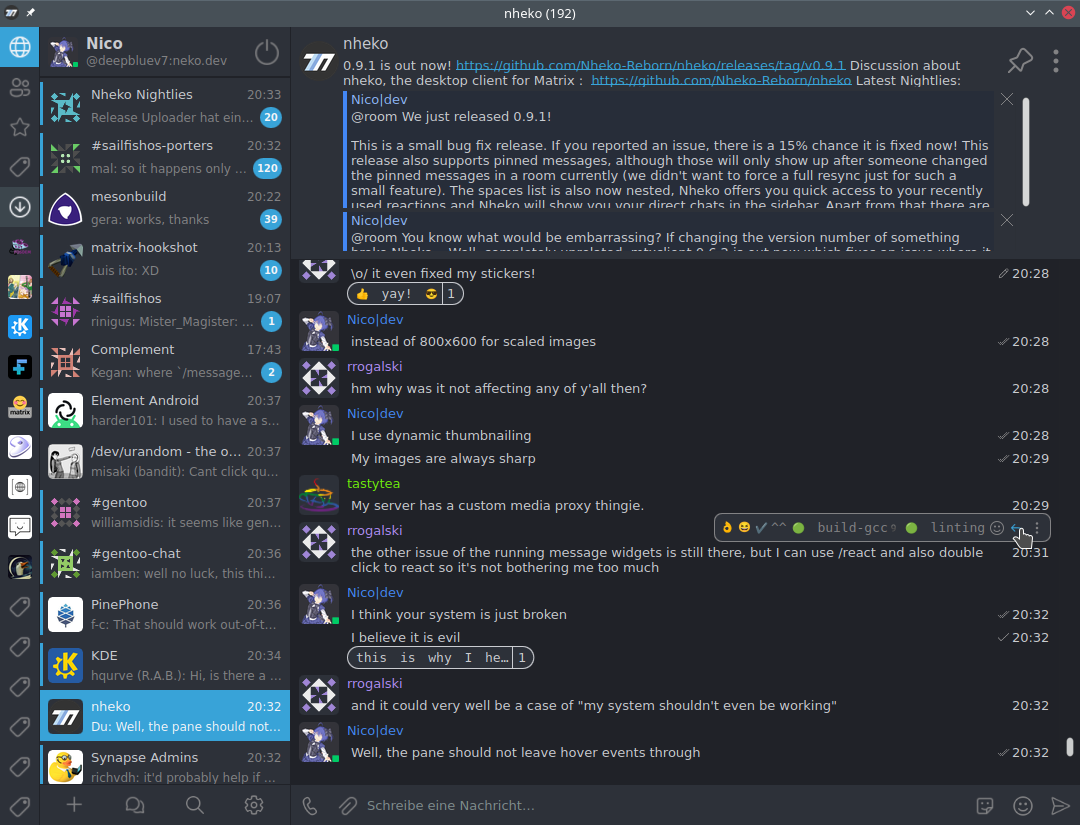 The chat window of nheko (taken from their website)
LocalSend, a Local File-sharing Application
LocalSend is a cross-platform local file sharing service that I use in all platforms. I use a bunch of different operating systems (Android, Fedora, iPadOS), and LocalSend is the only file sharing service that supports all of them. So, it’s very useful, and one of the first applications that I install in any platform.
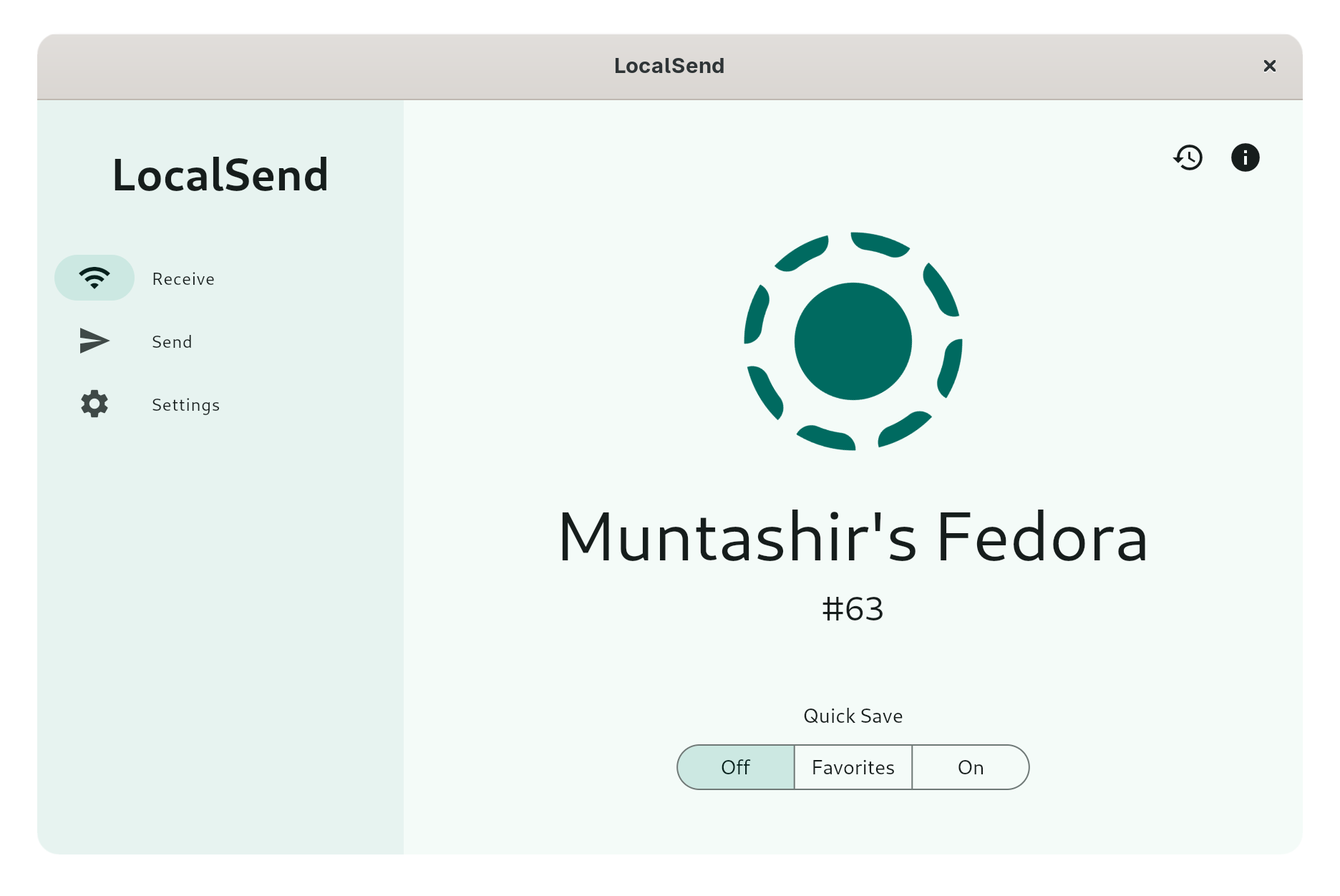 The main window of LocalSend
Cine, a Video Player
Cine is a MPV-based video player developed with GTK 4 and libadwaita. So, it has a native look-and-feel in GNOME. It is actually far better than the default video player which sometimes fails to play certain video formats. It is comparable to IINA, my all-time favorite video player from macOS, except a dedicated Picture-in-Picture (PiP) mode. Since it doesn’t offer a PiP mode, I simply move it to one side and enable “Always on Top” and “Always on Visible Workspace” to achieve something similar.
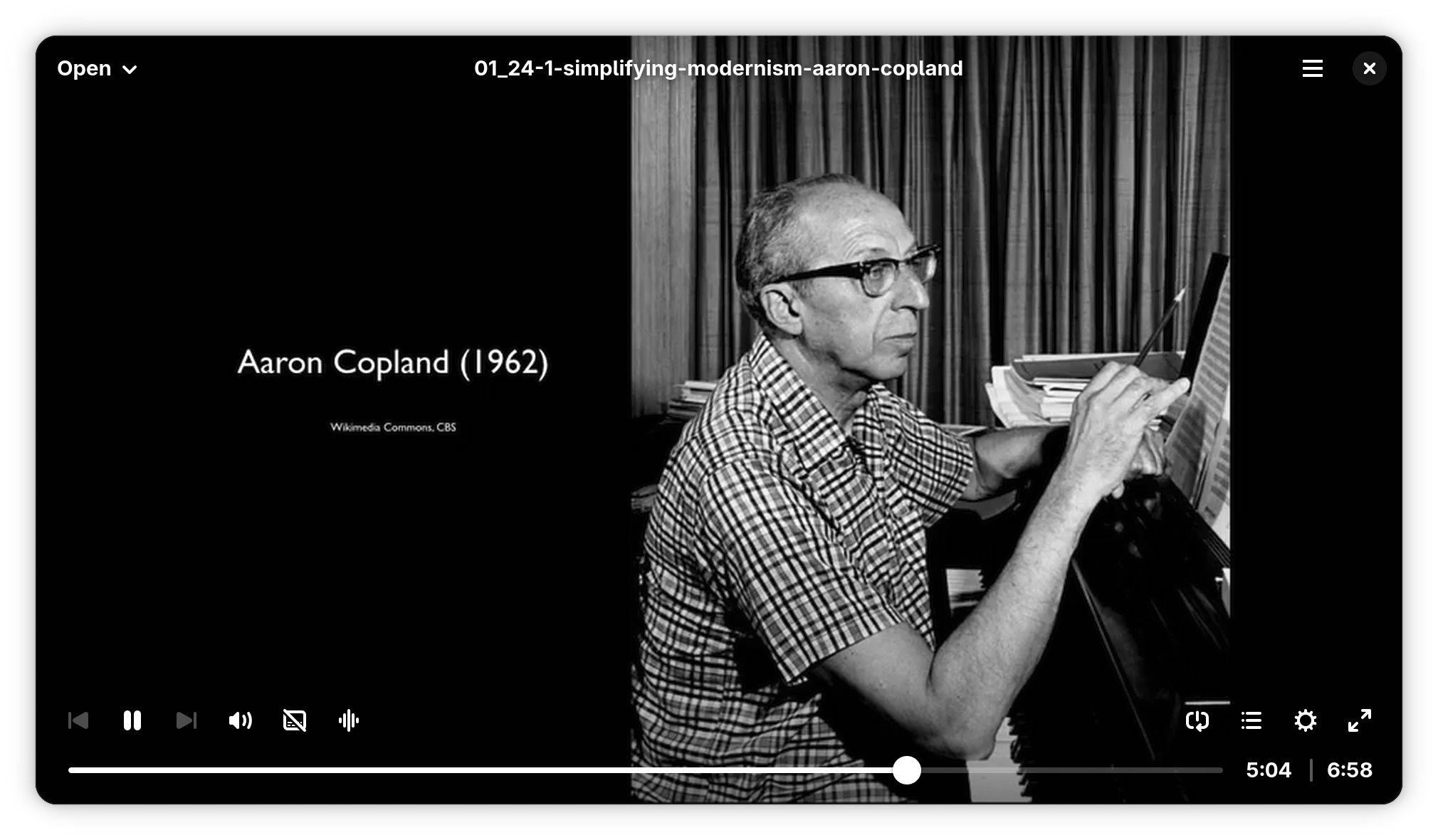 Playing a random video in Cine
Foliate, an eBook Reader
Foliate is a GTK 4-based eBook reader. It automatically adds all the opened books to its library, and also allows downloading books from OPDS catalogs (with Internet Archive, Project Gutenberg, etc. provided by default). It also support adding annotations to eBooks as well as exporting them. It has a look-and-feel similar to Apple Books, which is one of my favorite eBook readers.
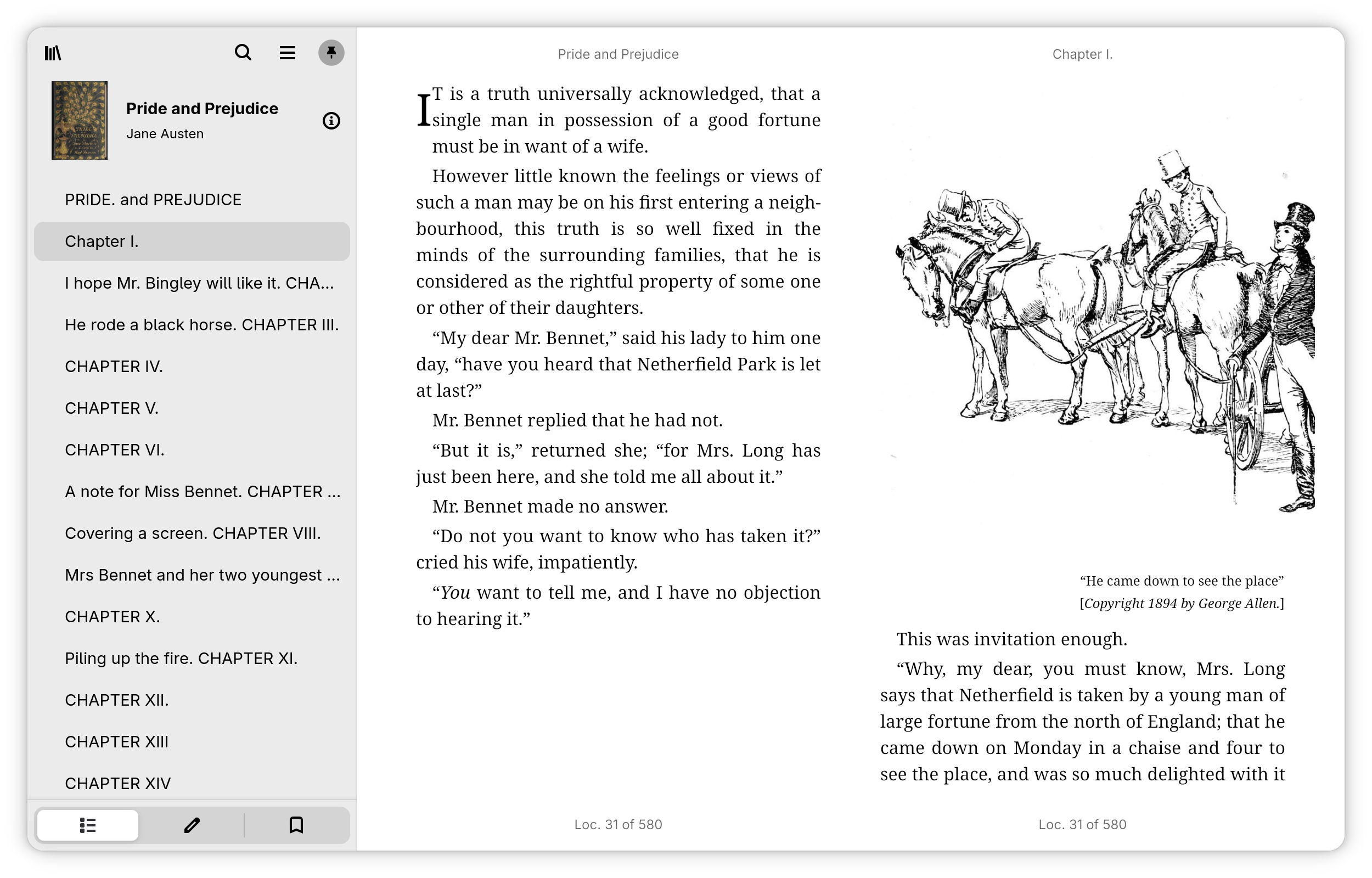 First pages of “Pride and Prejudice” opened on Foliate
Tuba, a Fediverse Client
Tuba is a GTK 4 and libadwaita-based Fediverse client that supports Mastodon, GoToSocial, Akkoma, and a few others. It fully supports GNOME with background notification (disabled by default for some reason). I didn’t find any other alternatives to this application.
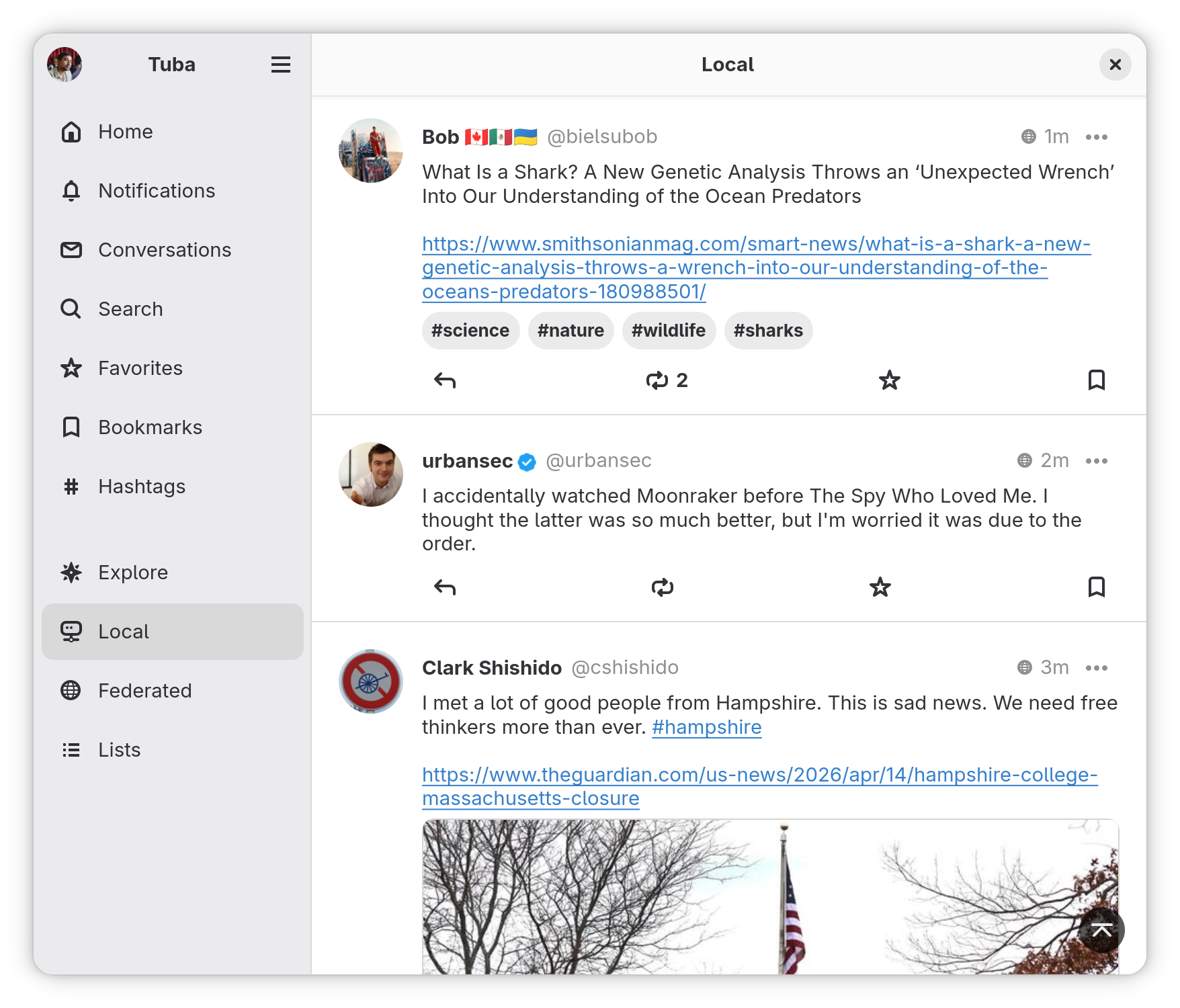 Mastodon on Tuba
Switchyard, a Browser Launcher
Switchyard is a GTK 4-based browser launcher. I have been looking for a URLCheck-like alternative for Linux, and Switchyard is as far as I could go. It offers browser rules, link redirections, and a custom configuration, all good. Unfortunately, it doesn’t support the ClearURL format, which I was looking for. But at least, there is an app like this.
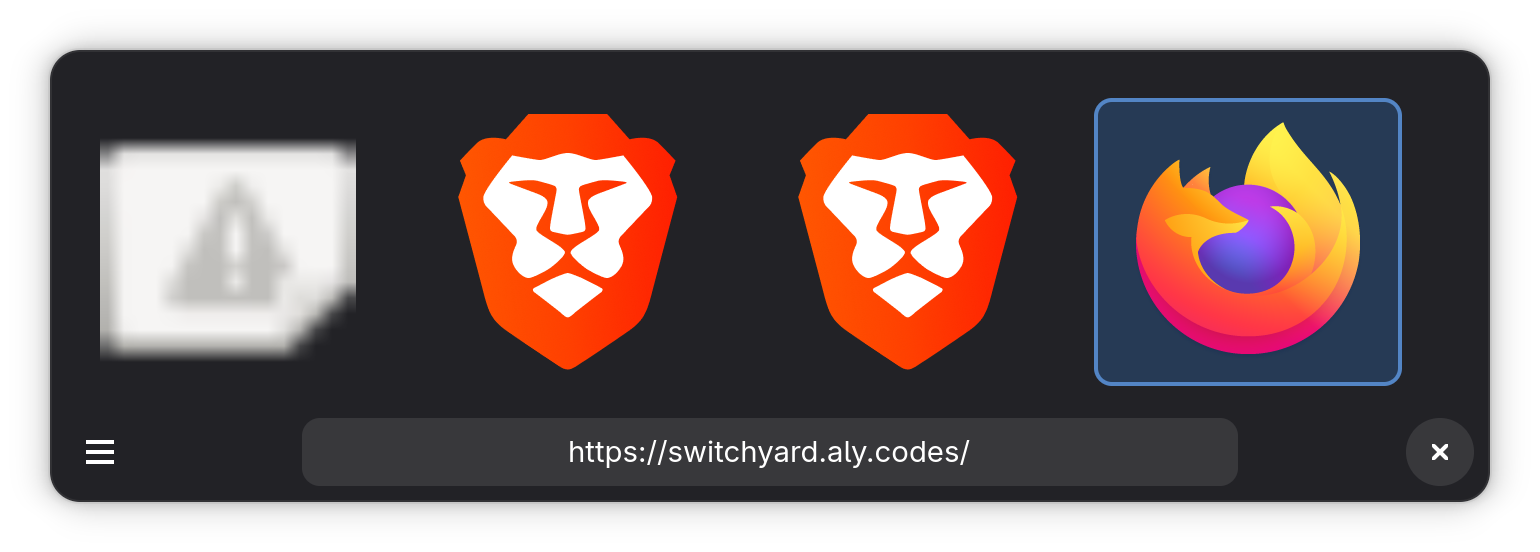 Switchyard UI
Flatseal, Permission Manager for Flatpak
Flatseal is a permission manager for Flatpak, basically a GUI wrapper over the flatpak command, but it is very useful in managing permissions of Flatpak applications.
Ignition, a Startup Manager
Ignition is a GTK 4 and libadwaita-based application that allows managing startup applications and scripts. Although not really a frequently-used application, it is highly recommended since GNOME Tweaks is no longer in the picture.
OBS Studio
Unfortunately, GNOME has troubles with projectors. Many projectors have lower resolution than a modern laptop, and as a result, when connected to a projector in the mirror mode, it calculates the lowest resolution among the two and falls back to the lowest resolution, which is a problem if the projector has a really low resolution. As an workaround, OBS Studio can be used to stream the laptop screen to the projector and use the full resolution.